Find a suitable pool vehicle
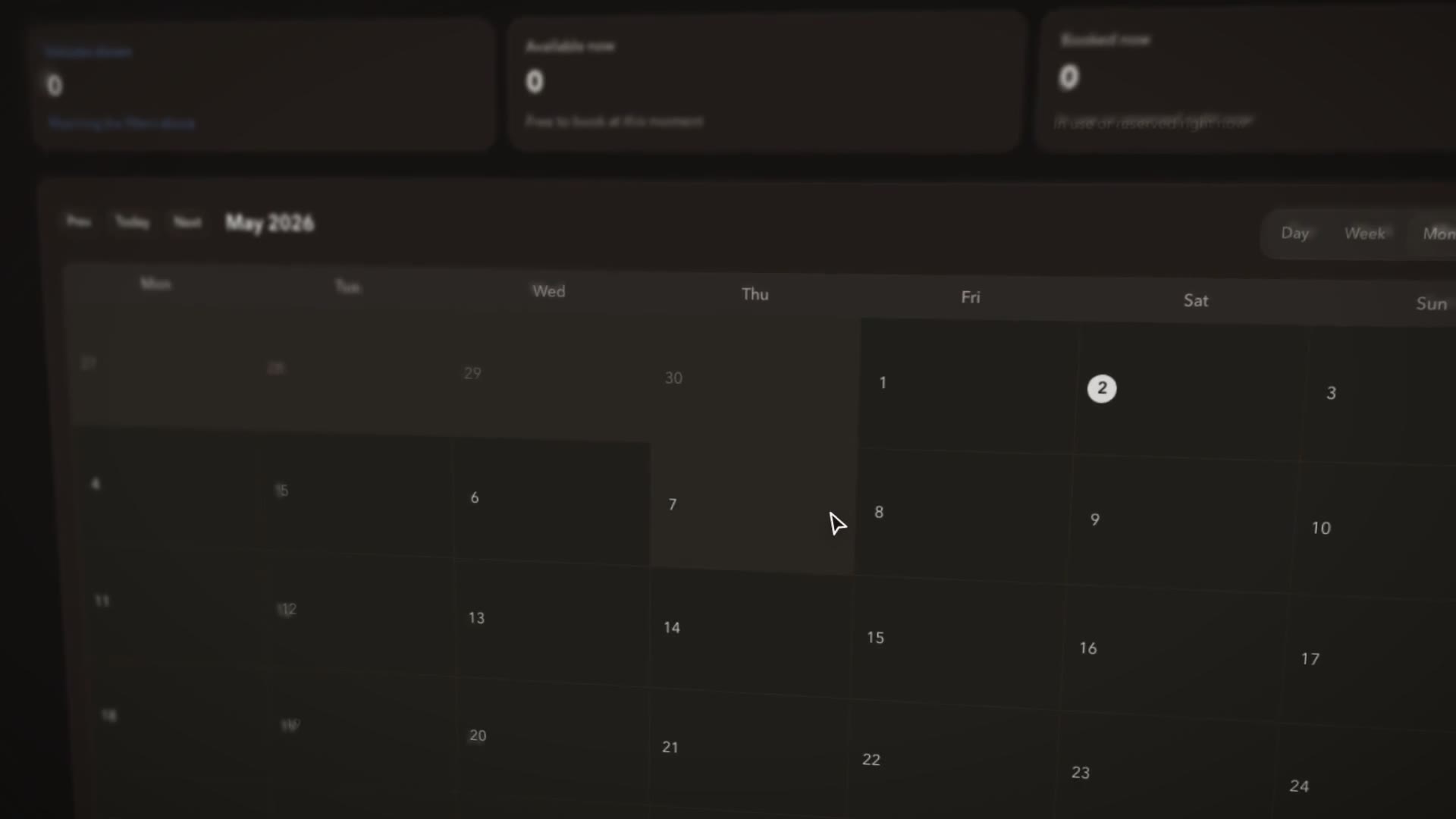
Pick a pool and a time, and every available vehicle is right there.
Explore availabilityStaff book pool cars themselves in seconds, and fleet managers see every booking in one place. Australia’s most trusted pool car booking software gets more from shared vehicles for councils and organisations of every size.
Drivers know exactly what they’ve booked, and fleet managers know exactly when it’s coming back.
Pick a pool and a time, and every available vehicle is right there.
Explore availabilityVAN-12 · Transit
Jordan M. · Overnight booking
Business trip · Depot visit
PLT-204 · Hilux
Priya N. · Home garaging
Business trip · Site inspection
LMN-330 · Corolla
Ava M. · Recurring booking
Business trip · Service rounds
Bookings that need sign-off arrive with the driver, vehicle and time already in view.
Explore booking approvalsChecks, odometer readings and trip declarations come straight from the driver app, so handovers and FBT reporting take minutes, not days.
Explore trip declarationsThe driver, the vehicle, the keys and the return, connected from booking to handover.
Explore shared key accessThe calendar and every request side by side, with changes and exceptions flagged against the vehicle and driver.
Pool car booking Fleet availability 12 – 16 May 20 trips · 73% utilised·3 in service this week Mon12 Tue13 Wed14Today Thu15 Fri16 PLT-204 Hilux ute QRX-118 Ranger ute LMN-330 Triton ute Service A VAN-12 Hiace van DKP-55 Ranger ute Inspection PLT-991 Triton ute IntelliTrac AIjust now Reshuffled 2 bookings to fit 3 more trips this week.Pre-start and post-trip checks built around your vehicles. Drivers complete them in the app, and any defect goes straight to maintenance.
Your own questions, required answers, odometer readings and photos, matched to each vehicle and depot, so drivers only see the checks that apply.
Explore custom forms and checklistsA defect on a form automatically raises a maintenance request with the vehicle, answer and photos attached, so repairs start sooner.
Explore defect follow-upDeclarations are captured while the trip is fresh, so FBT and fuel tax credit reporting is complete and ready for finance.
Check the trip details before saving.
Drivers enter the trip type, purpose and odometer readings, plus private-use and home-garaging declarations, and missing declarations are flagged before you finalise the return.
Explore FBT reportingPublic-road journeys · engine-time share
Source: fuel transaction and matched journeys
Fuel purchases, tracked journeys and off-public-road areas combine automatically, apportioning fuel by engine time or distance, with the full breakdown ready for finance.
Explore fuel tax creditsConnected key cabinets release the right keys for each booking, so collection takes seconds.
Explore key accessLate returns are flagged with the next booking in view, so you can line up a replacement before anyone is left waiting.
Explore booking oversightBooking demand shows spare capacity and pressure at every depot, so you right-size the fleet before buying another vehicle.
Explore booking reportsPool car booking software lets staff book shared vehicles themselves and gives fleet managers availability, approvals, handovers and trip details in one place.
In seconds. Staff pick a pool and a time, see what’s available and book through the portal, then use the driver app for pickup checks and return details.
Availability, requests, approvals and returns, with the vehicle, driver and trip details behind each one, so changes and overdue returns are handled fast.
Yes, where you want it. Approval requests reach the right reviewer with everything they need to decide quickly.
Torus key cabinets and our shared fleet access hardware make key collection simple, with the access option matched to your vehicles and depots.
Drivers enter trip purpose, odometer readings and any private-use or home-garaging declarations in the app, and missing entries are flagged before finalisation. Finance gets a complete FBT picture without the chasing.
Shared vehicles sit in pools and depots, each department books from its own pools, and fleet managers see every booking across the organisation.
The fleet team sees its commitments instantly and can swap in another vehicle and update the booking in moments.
Yes. Filter by status to find the approvals and returns that need attention, then export any list in a click.
A Torus key cabinet releases the right keys for each booking and updates the booking automatically, so key collection takes seconds.
Yes. Build your own questions, required readings and photo checks for each vehicle type or depot, and drivers complete them in the app.
Yes. A failed check automatically raises a maintenance request, so the repair is prioritised and on a work order before the next driver arrives.
IntelliTrac goes further. It combines recorded fuel, tracked journeys and road-use classifications into a fuel tax credit apportionment ready for finance.
Show us your current process. We’ll walk through pool car booking with the vehicles, people and information your team needs.
Book a demoExplore the platformIntelliTrac provides fleet, telematics and field-operations software in Australia. Call 1300 767 492.